Front door routing
One port, one policy, every project. How the front door finds a stack and decides whether to forward.
What it is
The front door is the single path-routed HTTP entry point for every project. It listens on FRONT_DOOR_PORT, 6000 by default, and treats the first URL segment as a project's database link. A request to /<link>/rest/v1/items is resolved to the project that owns <link>, checked for access, stripped of the link prefix, and forwarded to that project's Kong gateway or Studio.
The second entry point, the subdomain proxy, does the same job from the Host header. The two differ only in how they find the project. Everything after resolution is shared, so path routing and host routing cannot drift apart in policy.
Why it exists
Without a shared entry point, every client needs a per-service port that belongs to one stack on one machine. Those ports change when a stack restarts, and they multiply with the number of projects. A stable URL with a project identifier in it lets a local application keep one configuration while the stack underneath changes.
Two entry points, one policy
Diagram: a client reaches the front door on port 6000 by path or the subdomain proxy on port 9000 by host; both resolve the project and call the same access evaluator before forwarding to Kong or Studio.
How resolution works
The database link is 16 characters from a 38-symbol alphabet, about 84 bits of entropy, generated with cryptographic randomness and rejection sampling. Reserved first segments, such as api, assets, admin and projects, can never be emitted as a link, so a project can never shadow a manager route. A unique index on the project's link backs the generator's collision retry.
After resolution, the path is split by service. Paths that belong to the gateway, including /rest, /auth, /storage, /realtime, /functions, /pg, /graphql, /analytics, /pooler, /mcp and /logs, go to the project's Kong port. Everything else, including the Studio single-page app and its assets, goes to the project's Studio port. The two sets do not overlap.
A forwarded request
Diagram: the request is resolved, evaluated, forwarded to Kong or Studio, and the response returns with its Set-Cookie path and Location header rewritten for the shared origin.
How access is decided
The access evaluator runs before any forwarding. It resolves the project first. An unknown link gets a canonical 404 for every caller, regardless of credentials. A known link is then checked against two mechanisms in a fixed order: a manager session, or the project's own API key.
A manager session must own the project or belong to an administrator. A non-owner receives a 404 that is byte-identical to the unknown-link response, so a signed-in stranger cannot learn whether a link exists. A project's anon or service-role key grants access to Kong service paths without a manager session, matching Supabase's gateway. The key never opens the Studio. The postgres-meta route requires the service-role key and denies the anon key with a 403. A known link with no valid credential returns a Kong-shaped 401.
Response rewriting
One origin serves many projects, so upstream responses that assume a per-project host must be re-scoped. Every upstream Set-Cookie has its Path rewritten to the project's link prefix, so a session cookie for one project is never replayed against another. Relative Location headers are prefixed with the link, and absolute redirects that point at the internal gateway are rewritten onto the client's front-door origin, so the internal port never reaches the browser. The manager's own management token is stripped from the URL at the single egress point before the request leaves the manager.
Failure and recovery
If a project is stopped, its upstream is unreachable and the front door returns a gateway error rather than pretending the stack is running. If a health probe is unknown, the interface says unknown. If the front-door port is held by another process, the manager reports the bind failure; the launcher frees PORT and PROXY_PORT but not the front-door port, so stop the other process or change the port in Admin Settings.
An administrator can change the front-door port at runtime from Admin Settings. The change rebinds the listening socket; it does not rewrite clients. Update the clients after a port change.
Configuration
Where you see the entry points
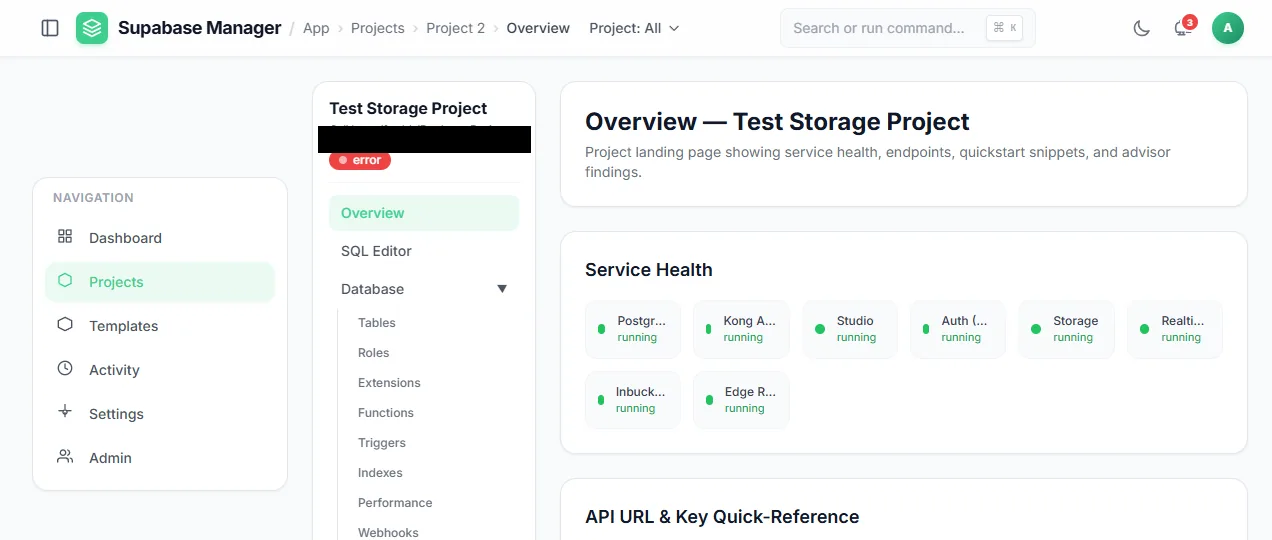
The project overview, where the front-door and subdomain URLs are shown.
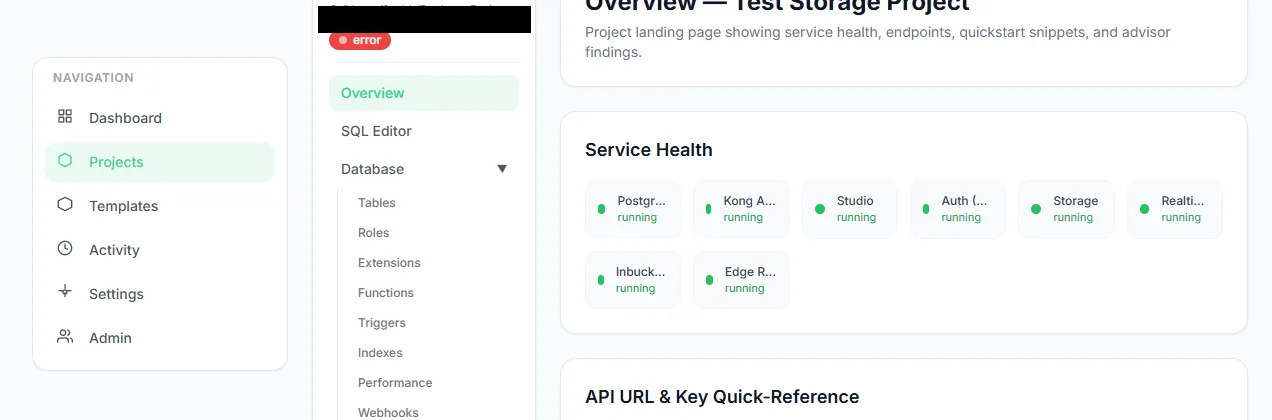
The service health and URL section of a project overview.