Admin and settings
Manage the manager itself, your own profile, and each project's own settings.
What it is
The manager has administration surfaces of its own, separate from any project. Admin users manages the accounts that can sign in to the dashboard. System settings covers port allocations, proxy health, log retention, update checks, settings import and database-link repair. Proxy settings control the subdomain proxy. Auth administration configures the manager's own providers, sessions, rate limits, emails and URL settings.
Profile settings are personal: display name, avatar URL, theme, notification preferences, account information, a settings export and import, and a password change. Project settings are per project: general details, API, database, vault, integrations, logs and add-ons.
Why you need it
An operator needs to know who can sign in, which ports are allocated, whether the proxy is healthy, and how long logs are kept. A user needs a theme that suits the room and a way to move settings between machines. Keeping these surfaces explicit is what makes the manager operable rather than merely runnable.
Admin users, profile settings and settings import
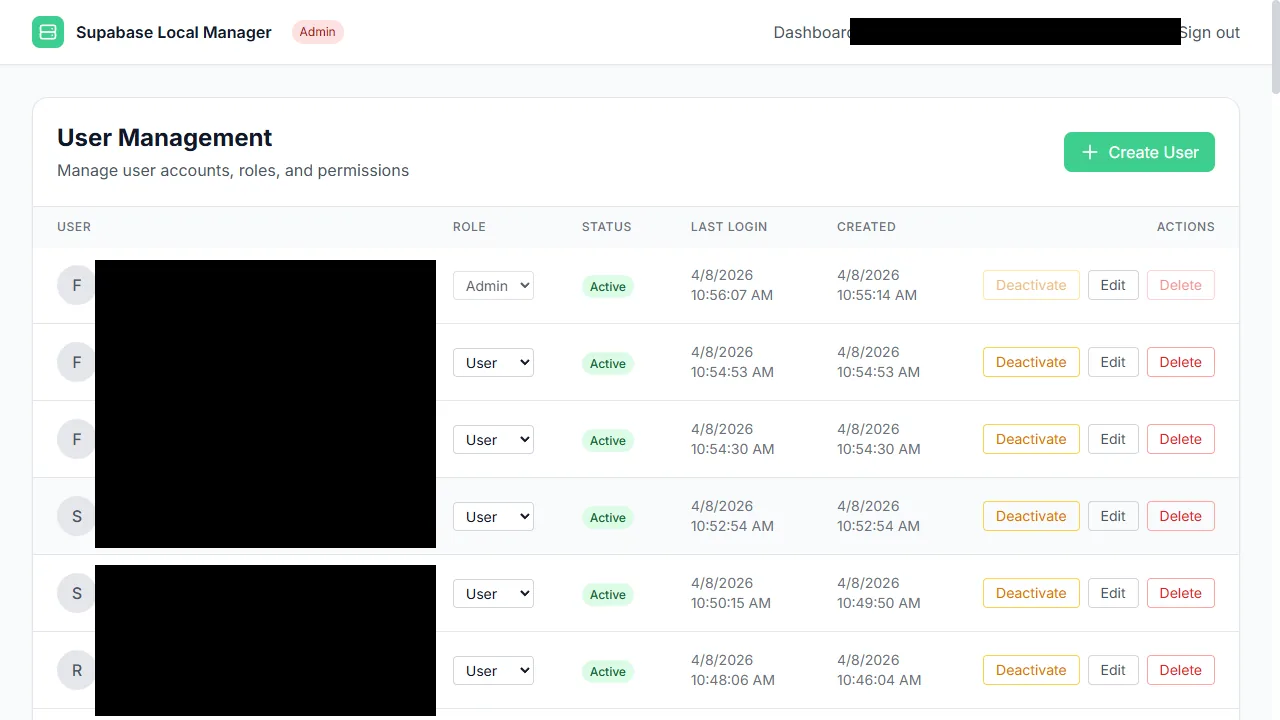
Manager accounts are managed from the admin area.
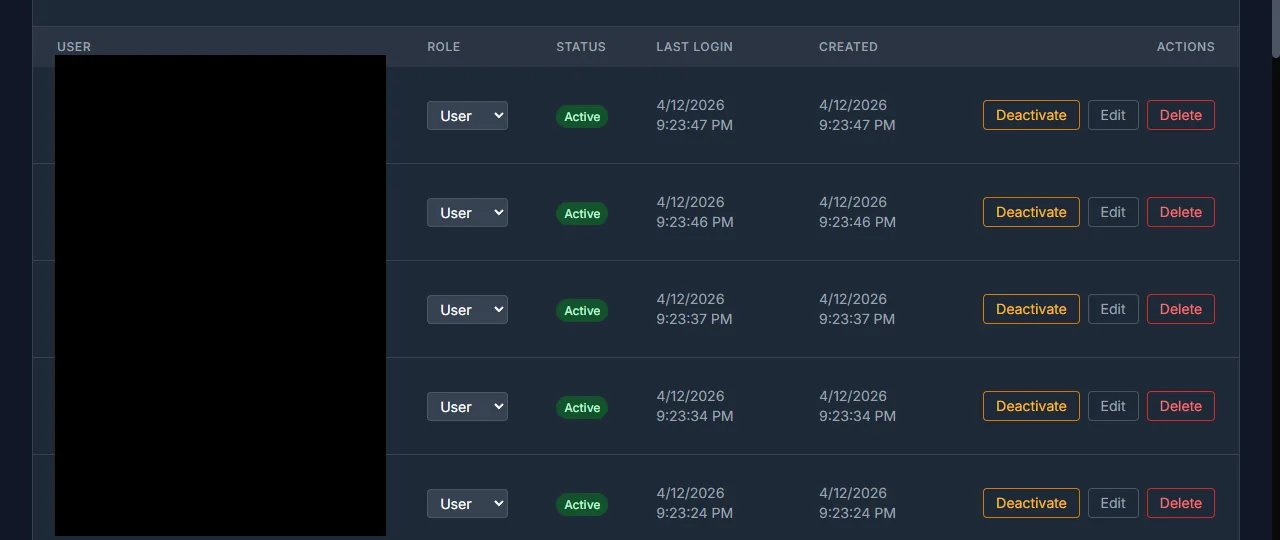
The manager user table showing accounts and roles. Identity columns are redacted.
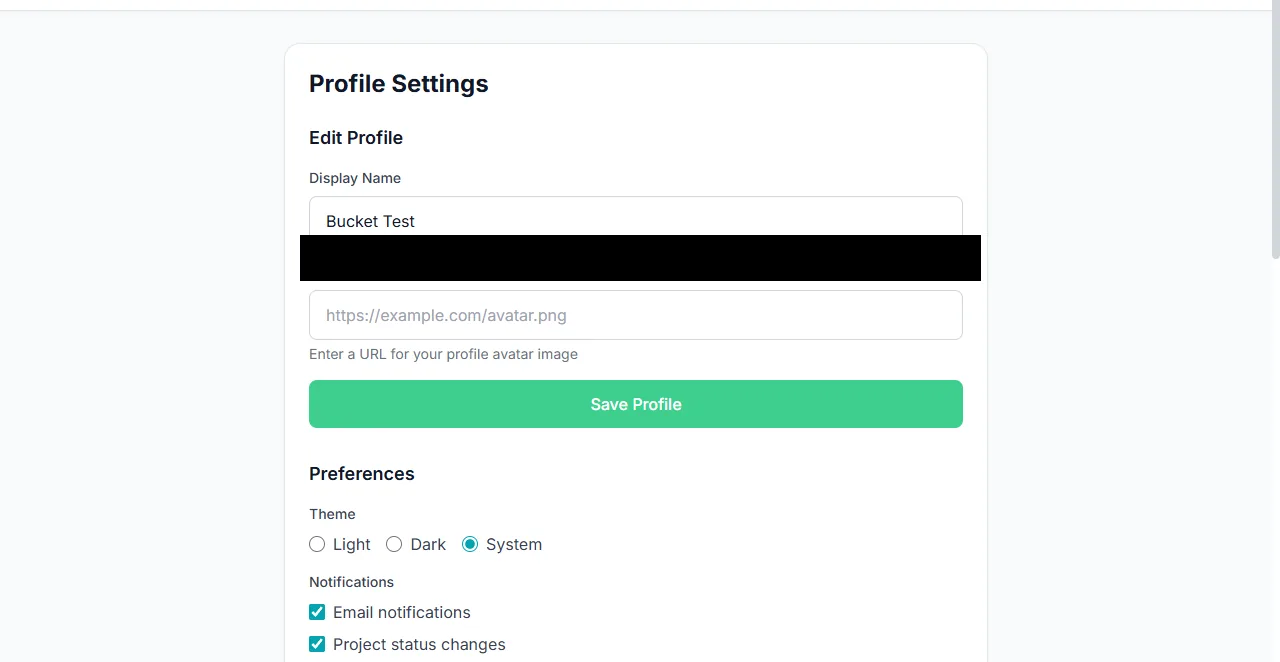
Settings group preferences and account fields.
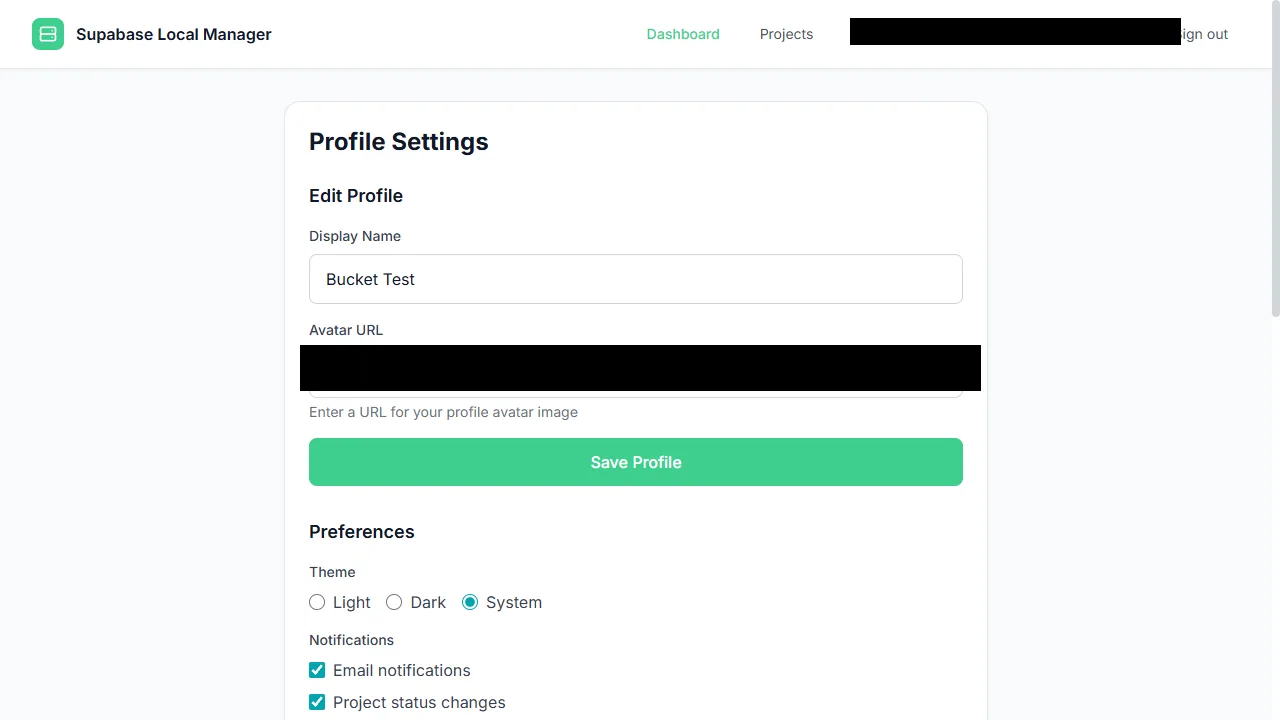
Profile settings hold account fields and preference controls.
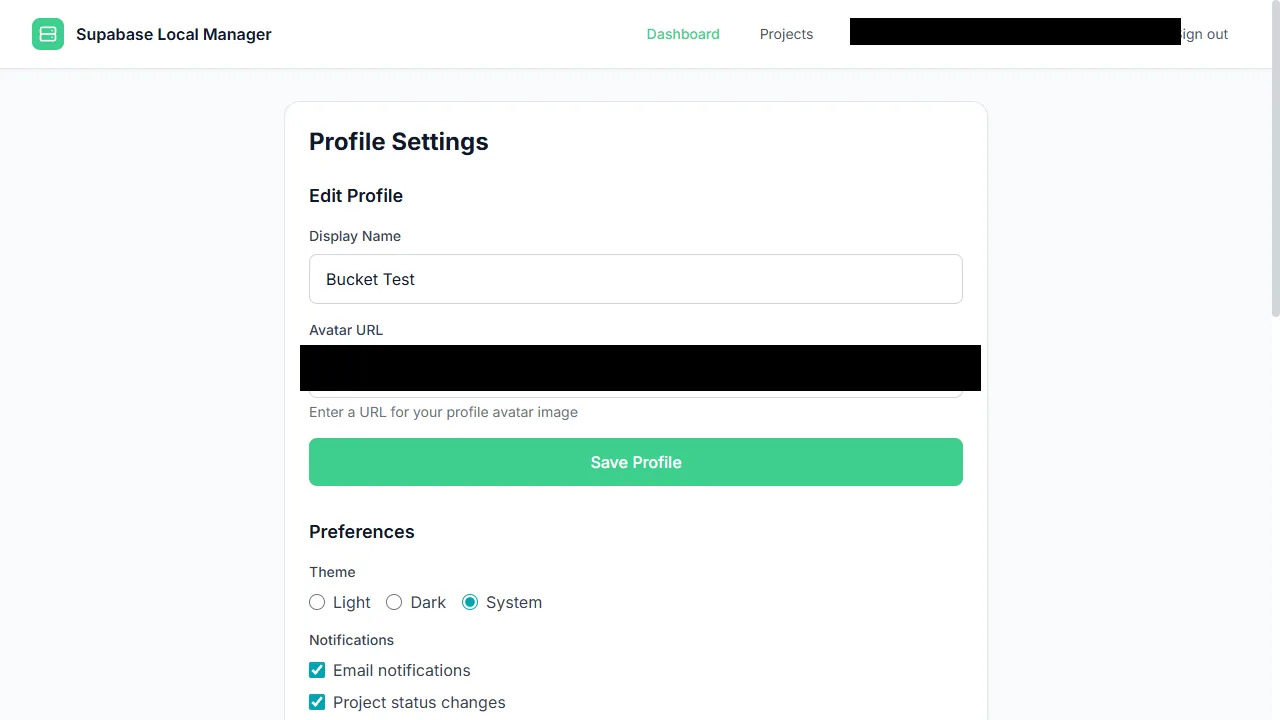
The profile settings surface follows the chosen theme.
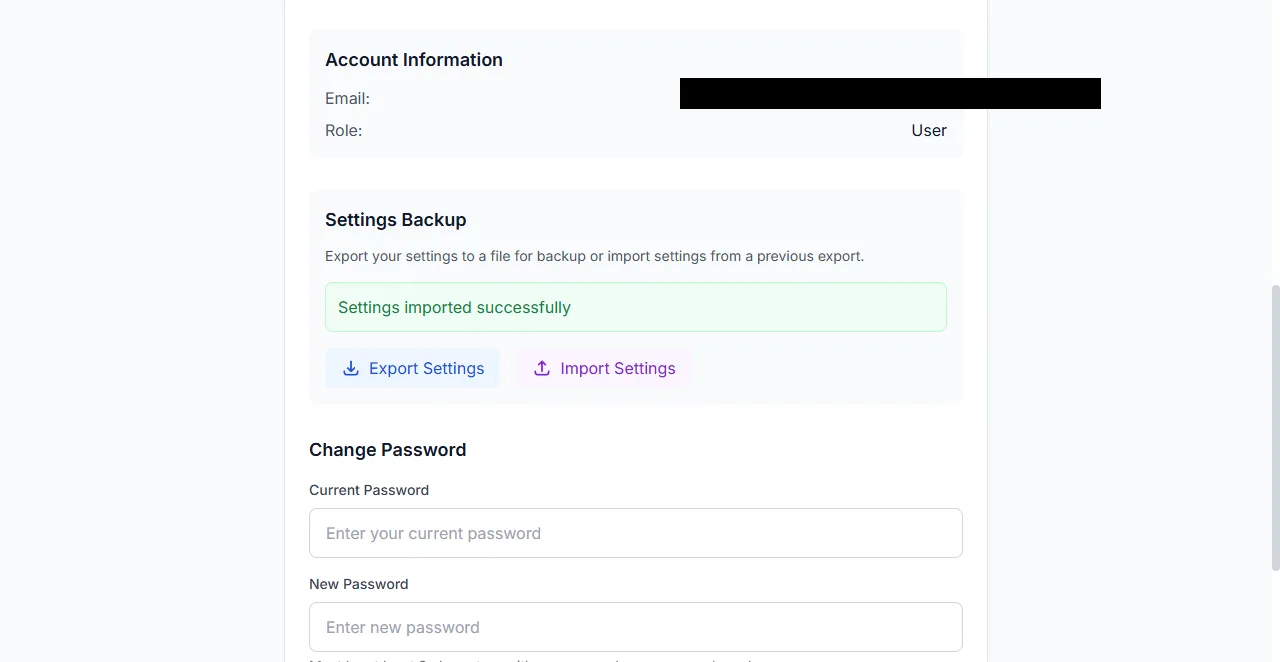
The settings backup panel, with export and import actions. The account email is redacted.
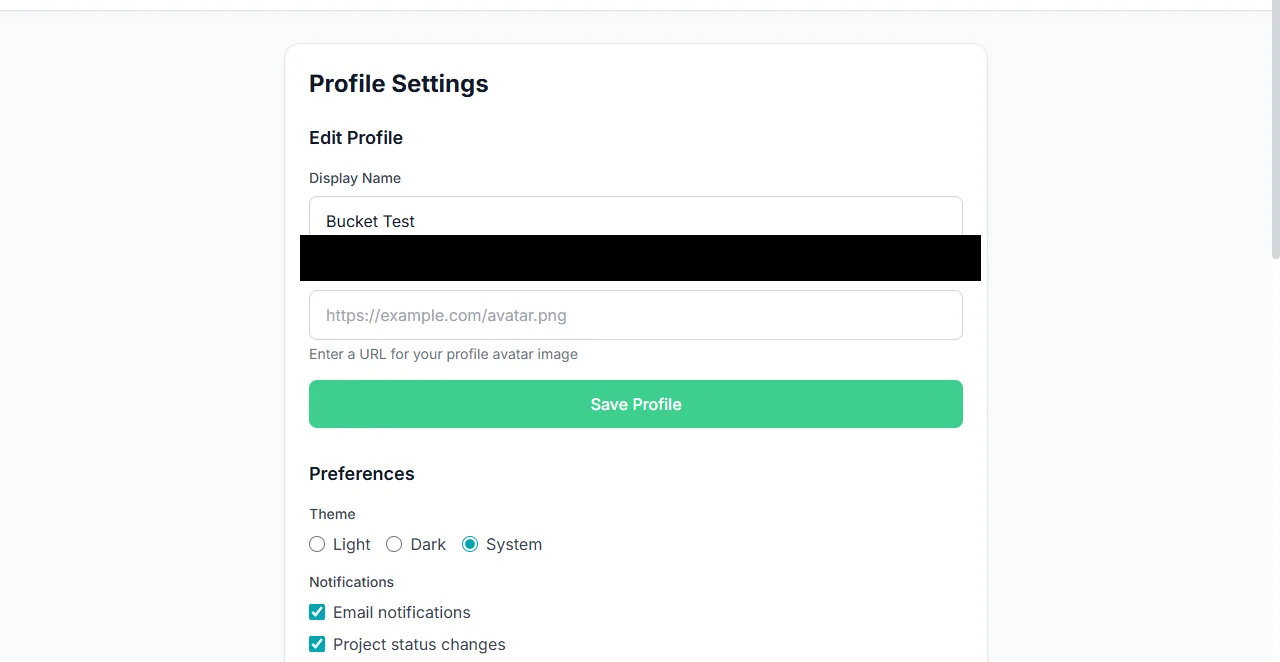
Saved preferences persist after returning to the page.
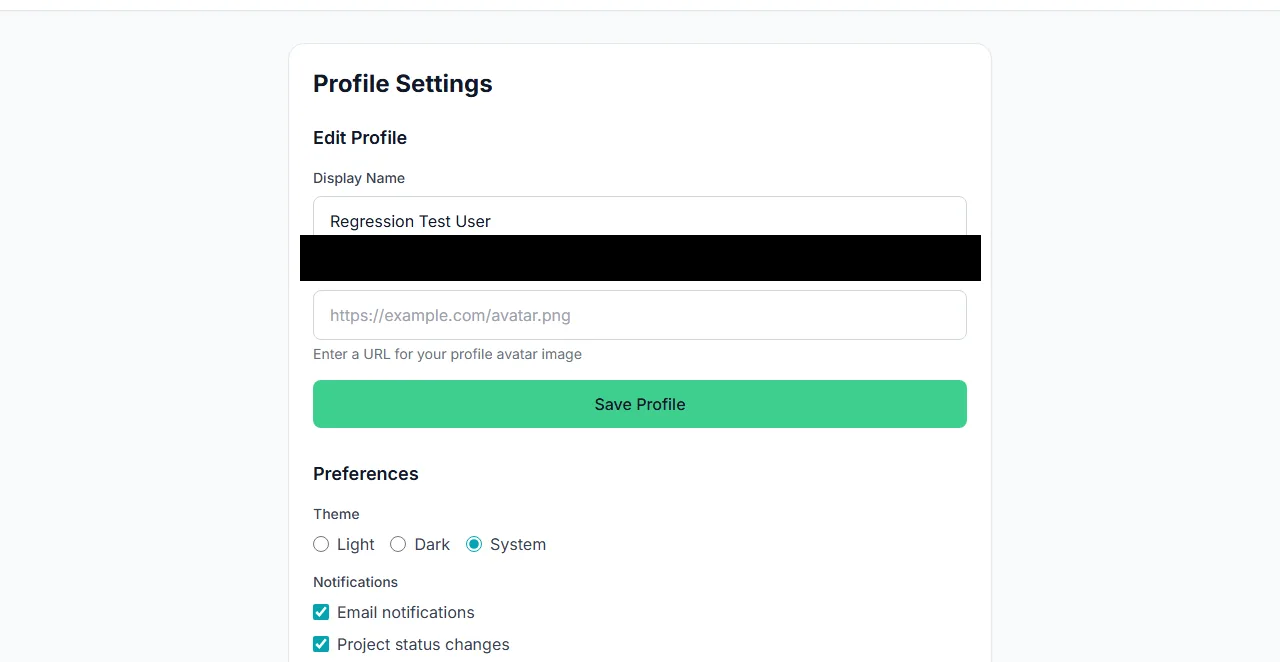
The settings layout keeps dense content readable.
What you see
The admin user table lists manager accounts with role, status, last login and creation time, and offers deactivate, edit and delete actions behind typed confirmation. Profile settings show the display name, avatar URL, theme choice, notification checkboxes and a password change. The settings backup panel exports a bundle and imports one. System settings show the effective source of each configurable value: database, environment or default.
How to use it
Manage manager accounts
Open Admin, then Users. Create an account, set its role and deactivate one that should no longer sign in.
Set your profile
Choose a theme, a display name and notification preferences, then save.
Export settings before a change
Use the settings backup panel to keep a copy you can import elsewhere.
Check effective configuration
System settings show whether a value comes from the database, the environment or a default.
Adjust a project
Project settings cover its name, slug, API, database password, vault entries and integrations.
Behaviour and limits
Manager accounts are separate from a project's auth users. Changing a manager role does not change any project's data. Settings import replaces the imported settings; read the bundle before importing it on a machine whose configuration you care about.
Some settings are security-sensitive: the proxy base domain, the accepted suffixes, the front-door port and the log retention window. Change them deliberately, and re-check the proxy health panel after a change. A saved admin value overrides the environment file, which is why the effective-source display matters.
Configuration
Where you see it
Admin surfaces live under the account menu: manager users, system settings, proxy settings and auth configuration. Profile settings are personal and reachable from the same menu. Project settings are the Settings section inside a project's sidebar.
Working with it
Start with the effective-source display in system settings. It tells you whether a value comes from the database, the environment or a default, which resolves most "my change did nothing" reports. Change one port or domain at a time and re-check the proxy health panel before moving on.
Use the settings backup before a broad change. It is faster to import a known bundle than to reconstruct several settings from memory. For project settings, remember that the project's own configuration and the manager's record are different things; a change to one does not always change the other.
Typical tasks
- Create a second manager account and give it a role.
- Deactivate an account without deleting its history.
- Export settings before changing the proxy configuration.
- Check whether a port value comes from the database or the environment.
- Change a project's name, slug or database password.
Least privilege in practice
Give administrator rights to the accounts that need the admin surfaces, and use regular accounts for day-to-day project work. A regular account can still reach its own projects and their data; what it cannot do is change manager-level settings or see other owners' projects. When someone leaves, deactivate the account rather than sharing a password.